How to take a karta pobytu photo at home with a phone: 6 steps with examples
You don't need a photo studio. Follow these six illustrated steps to get a sharp, evenly lit phone photo with enough margin around your head and shoulders for automatic cropping, clean background removal, and MOS approval.
Most home photos that fail do so for the same few reasons: someone held the phone too close and clipped the hair or shoulders, an overhead lamp cast harsh wall shadows, or the upload was a screenshot instead of the original camera file. Every one of those issues happens before you even press the shutter. Follow the six steps below to shoot a picture we can turn into a clean 684 × 883 px JPG on white that a voivodeship office caseworker will accept.
What you need
- A smartphone (ideally using the rear camera).
- A plain white or light wall.
- Daylight from a window.
- A second person to take the photo, or a tripod with the self-timer.
- A plain top darker than the wall.
- About five minutes.
The six steps
1. Stand in front of a plain, light wall
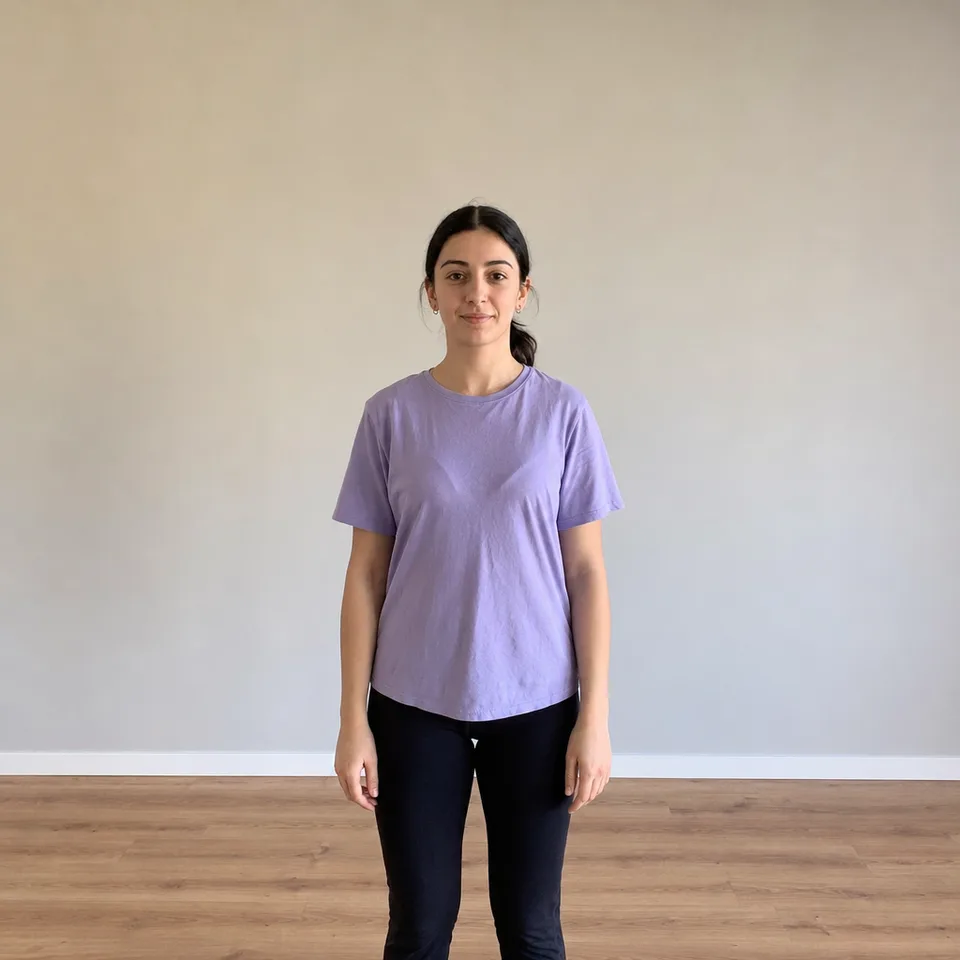
Use a bare white or light grey wall with no pictures, shelves, doors, or cables behind you. Stand about half a metre away so you don't cast a shadow on it.
2. Face a window, in daylight
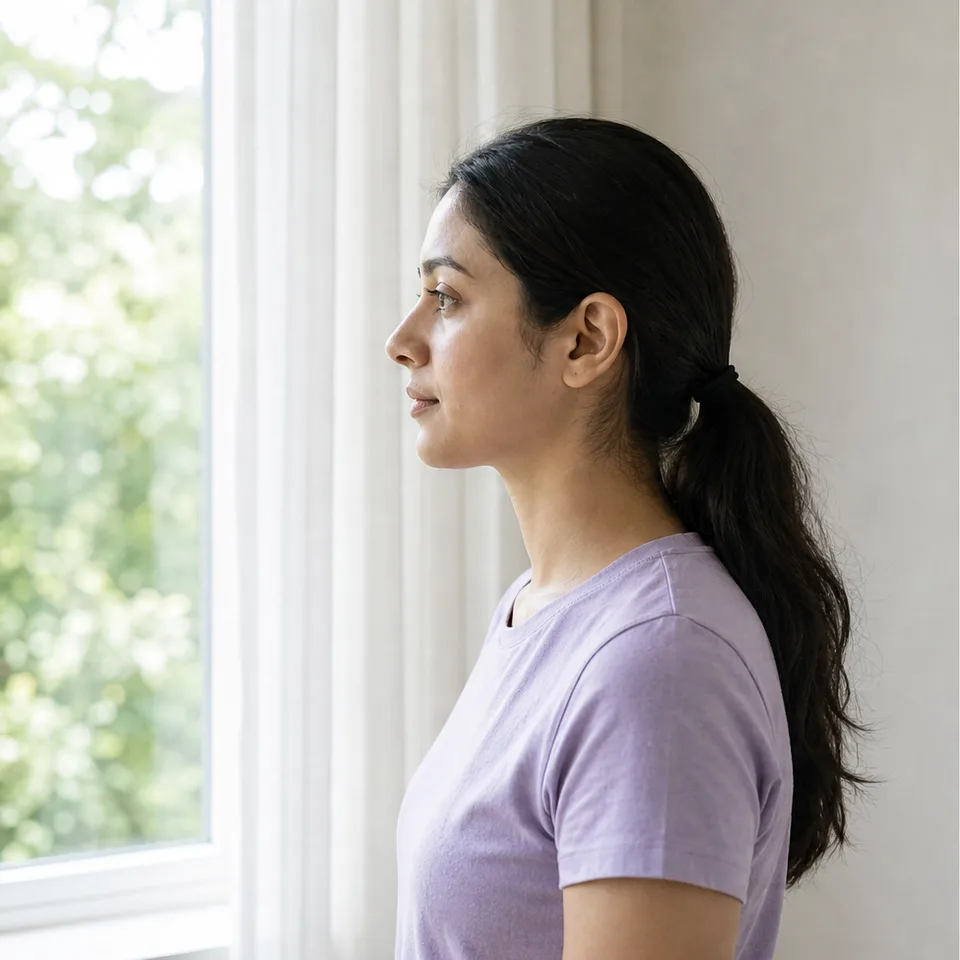
Stand facing a window so daylight hits your face evenly. Turn off room lamps and your camera flash, which create harsh shadows on one side or behind you.
3. Camera at eye level, about a metre away
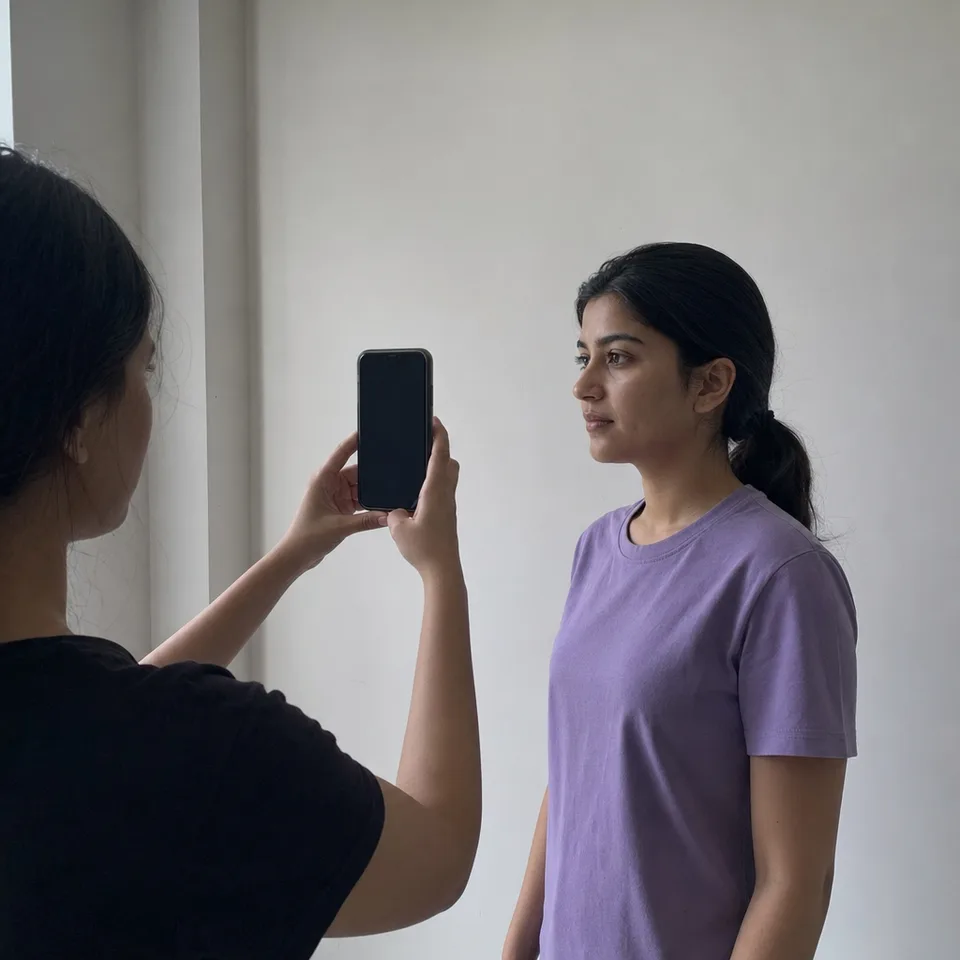
Ask someone to shoot, or prop the phone on a tripod with a timer. Hold the phone upright and level at eye height, about a metre away, and use the rear camera since it's sharper than the front selfie lens.
4. Leave room around the head and shoulders
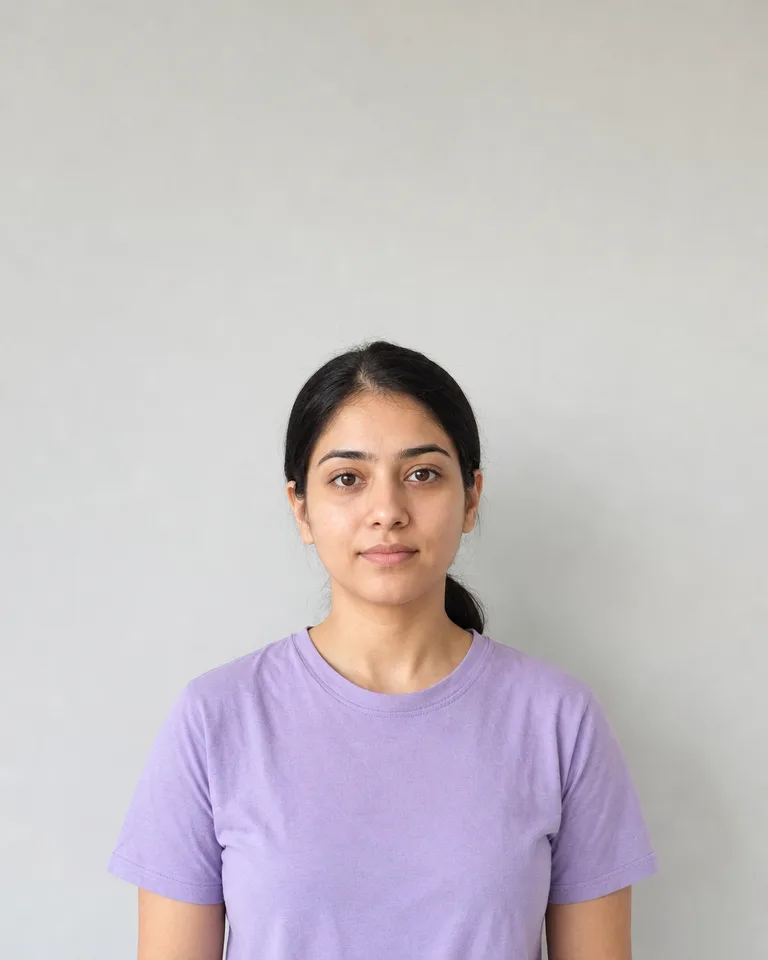
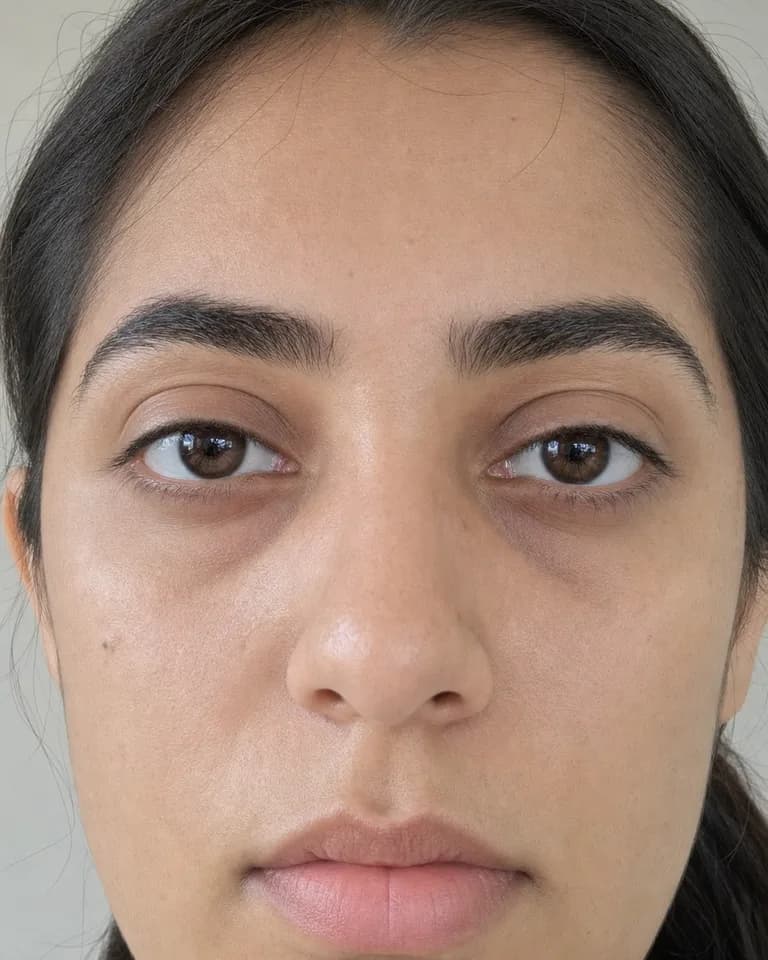
Frame yourself from the chest up, leaving plenty of plain wall above your hair and past both shoulders. We'll crop it down to size later; if you shoot too close, cut-off hair or shoulders can't be recovered.
5. Look straight into the lens
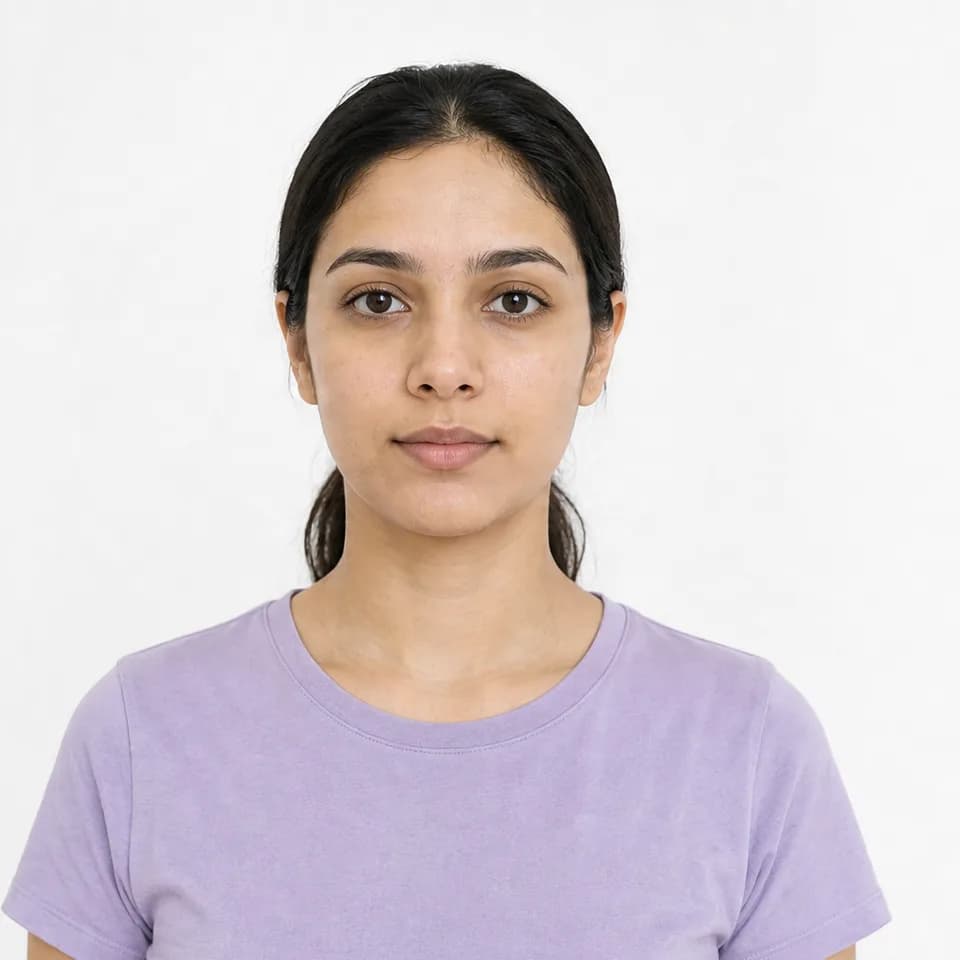
Keep your head straight, eyes open, mouth closed, and expression relaxed. Pull hair away from your forehead and eyebrows, take off glasses, hats, or hoods, and keep your shoulders square.
6. Upload the photo straight from the camera
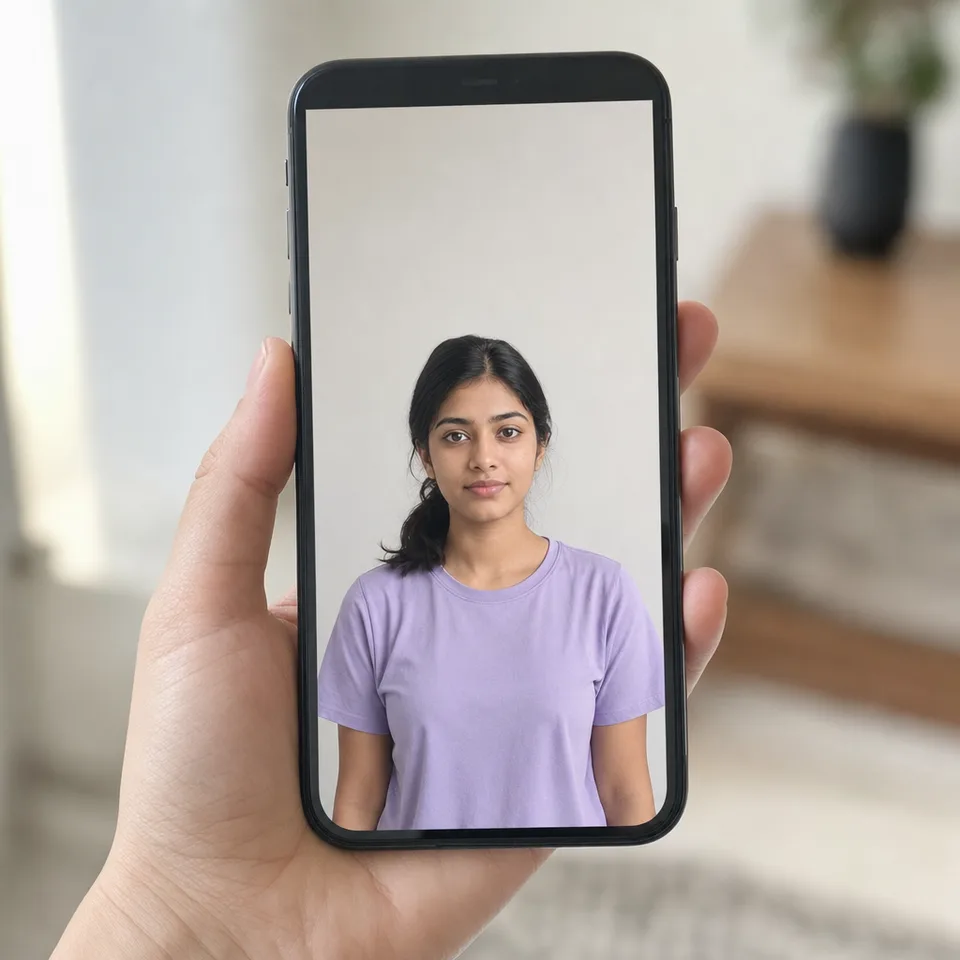
Send the original photo straight from your gallery, not a screenshot, a re-cropped copy, or a snapshot of a paper print. Make sure your face is sharp before uploading.
What the tool fixes, and what it cannot
Our tool crops to a 35:45 ratio with your head at the right height, replaces the background with solid white, converts iPhone HEIC files to JPG, resizes to 684 × 883 px under 2.5 MB, and checks the result against MOS rules. What it cannot do is rebuild hair or shoulders sliced off by the frame edge, erase heavy shadows across your face, sharpen a blurry photo, or open closed eyes. Any of those means shooting another take, which is why distance, daylight, and posture come first.
Check before you upload
- Your full head and both shoulders are inside the frame, with blank wall visible all around them.
- Your face is evenly lit and there are no strong shadows behind you on the wall.
- Your expression is neutral, mouth closed, eyes wide open and looking straight at the lens.
- Ideally no glasses (to avoid glare), no hats or hoods, and no hair covering your eyes or eyebrows.
- You are uploading the original full-resolution photo from your camera roll, and it stays sharp when you zoom in on your eyes.
Frequently asked
Can I use the selfie camera?
You can, though holding it at arm's length uses a wide angle that makes your nose look larger and distorts your proportions. Using the rear camera with a helper or timer gives a much cleaner portrait. If you only have the front camera, set the phone down at eye level about a metre away and use the self-timer.
Does the wall have to be white?
No. Any plain light wall works fine because we replace the background with solid white anyway. Just avoid patterned wallpaper, very dark walls, or a wall that matches the colour of your shirt.
Can I wear a white top?
Better not. When your shirt blends into the wall colour, background removal struggles to find a clean edge around your shoulders. A plain darker top separates cleanly.
What about a child's photo?
Follow the same setup. Residence card rules don't include a blanket age exemption like Polish passports do, though the application instructions allow closed eyes, an open mouth, or a relaxed expression in justified cases such as infants. All other rules, especially leaving plenty of space around the head and shoulders, stay the same.
How old can the photo be?
It must be taken no more than 6 months before you submit your application.